![sw_primary-lockup-white.png]](https://success.supplywisdom.com/hs-fs/hubfs/sw_primary-lockup-white.png?height=40&name=sw_primary-lockup-white.png)
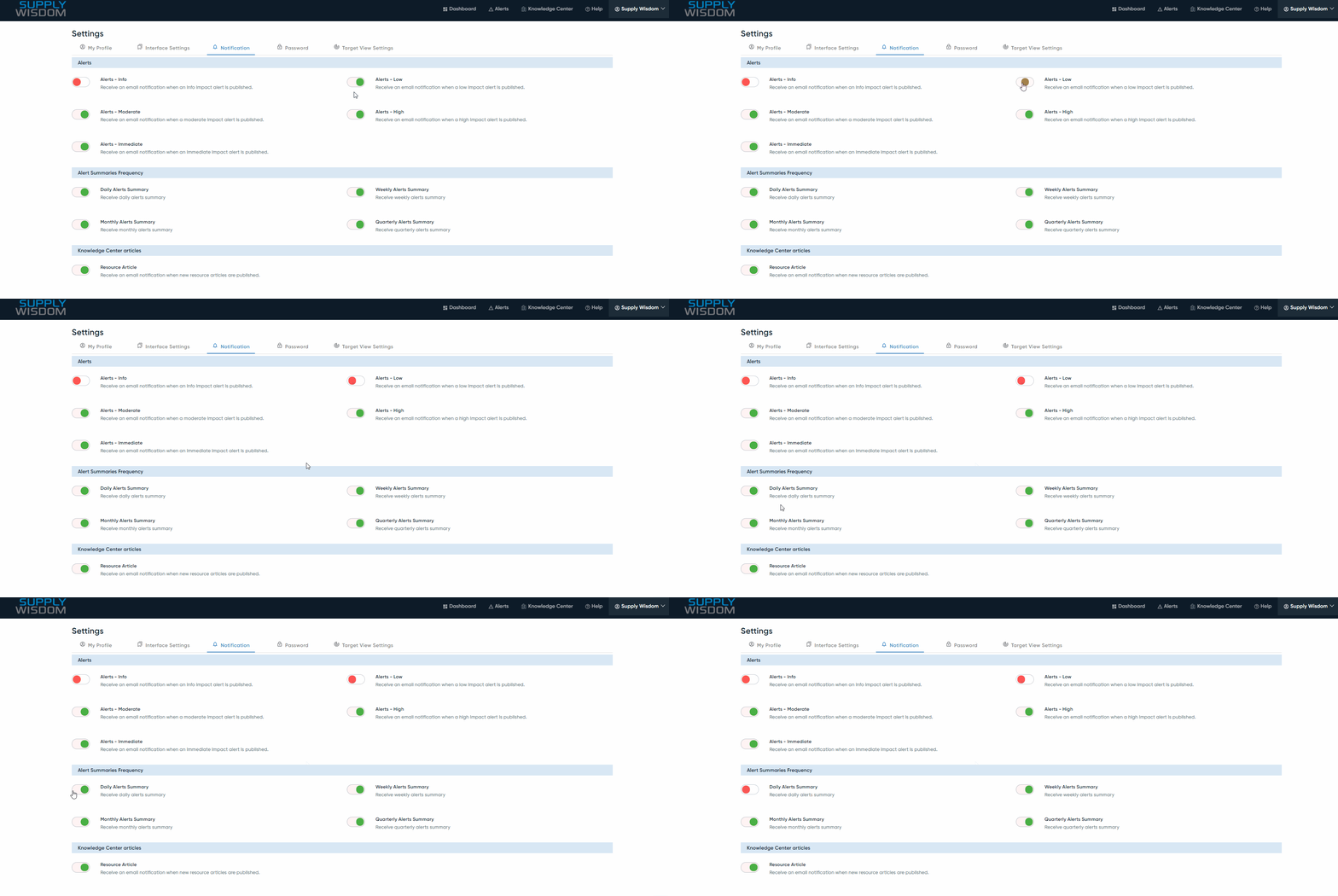
To change or set up your notifications, navigate to Profile > Settings > Notification.
By default, Supply Wisdom's alerts and alert summaries are all sent as email notifications. However, for the targets you selected, you can customize your email alerting by impact level, frequency of emailed alert summaries, and whether you want to receive notifications for Risk Insights.